Scripting Modes
Scriptum offers two complementary ways to write and run C# inside Unity. Pick the mode that fits your workflow, or switch between them anytime from the console toolbar.
Structured scripting
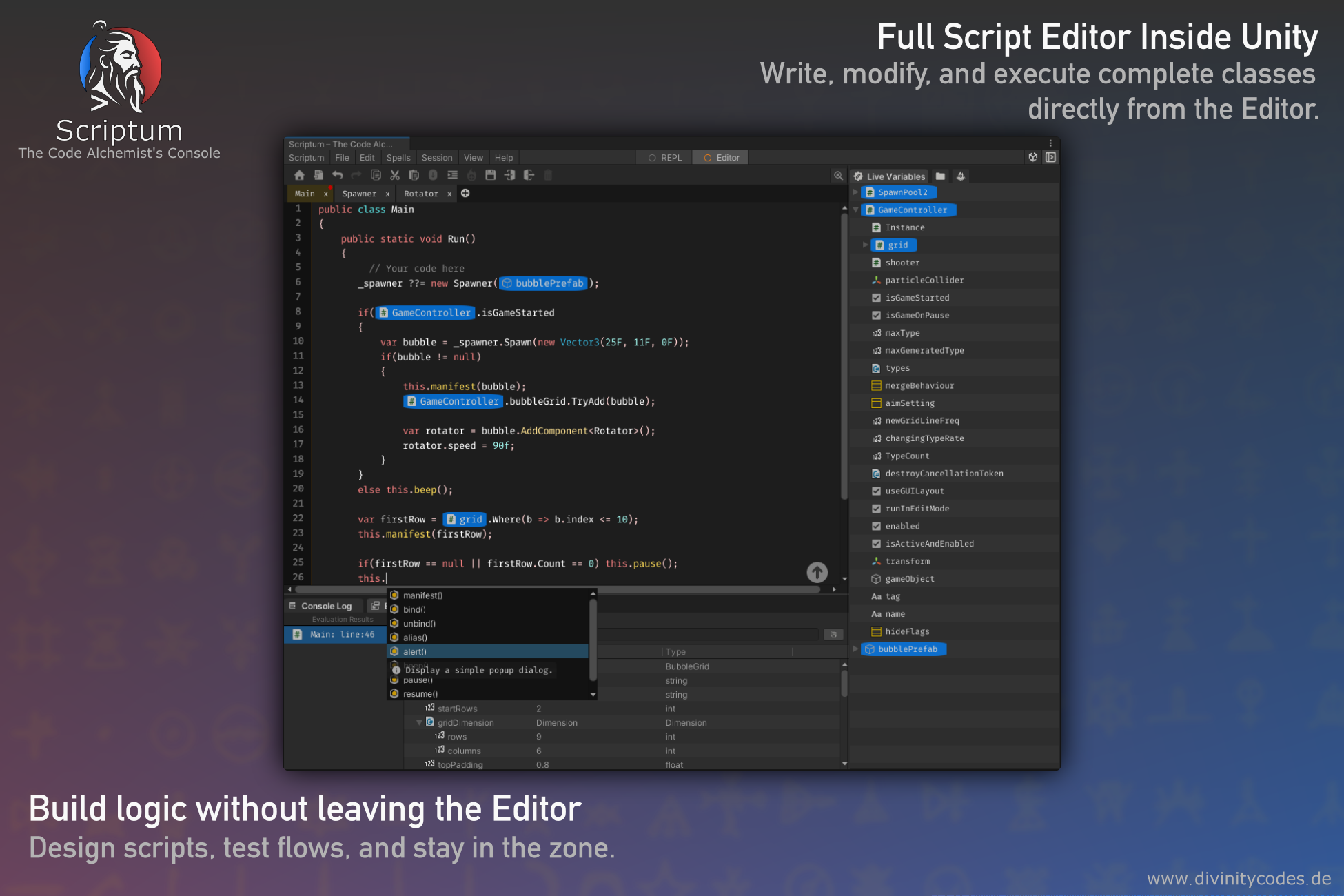
Editor Mode
Write multi-line scripts, define classes, and build session logic like a real C# file. Ideal for reusable utilities, setup flows, and anything that needs structure.
- Full class and method definitions
- Classes Hub and Eval Result panel
- Entry template or freeform coding
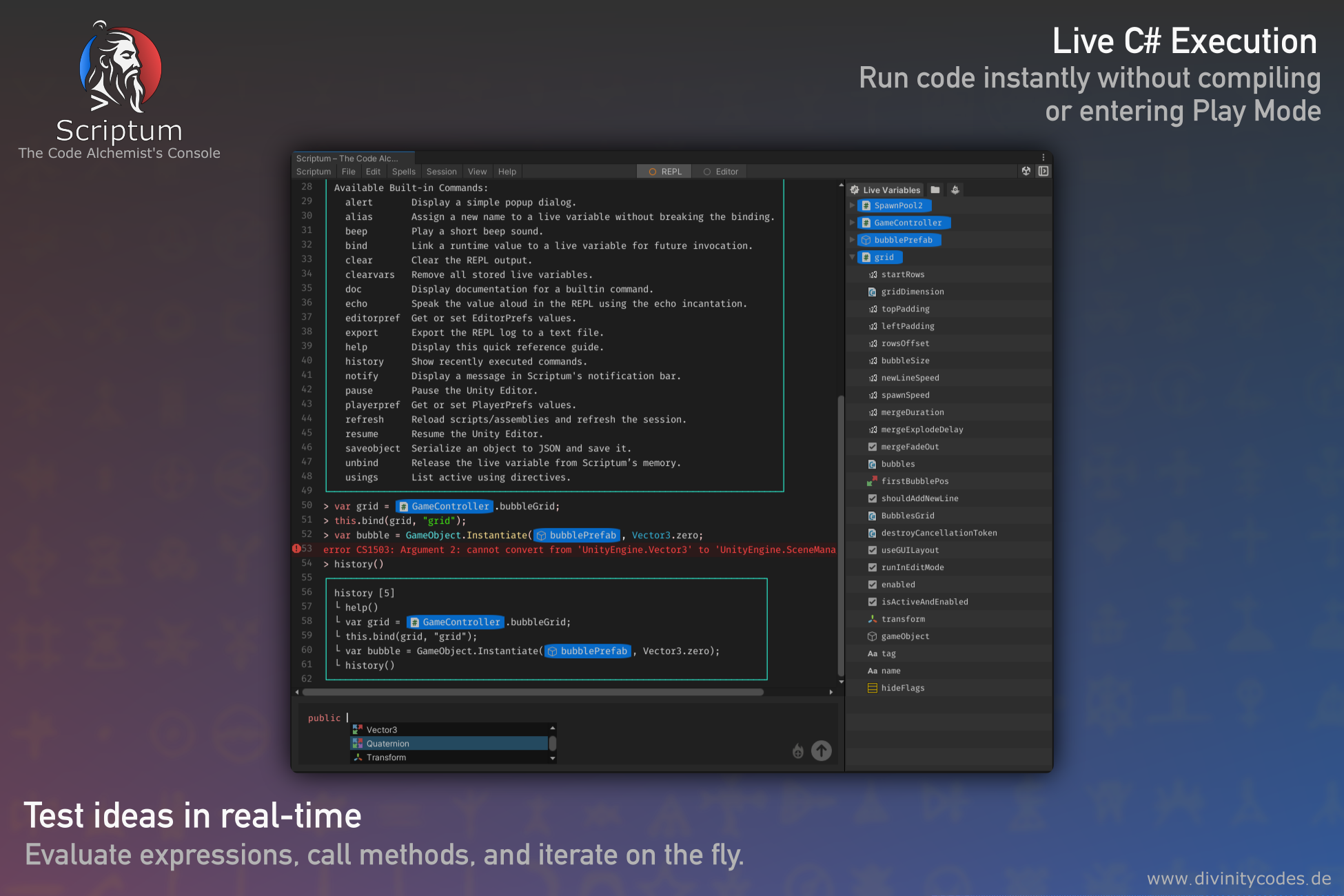
Switching modes
Use the toolbar at the top of the Scriptum Console to switch between Editor and REPL. Each feature in the documentation states which mode it supports.