Eval Result
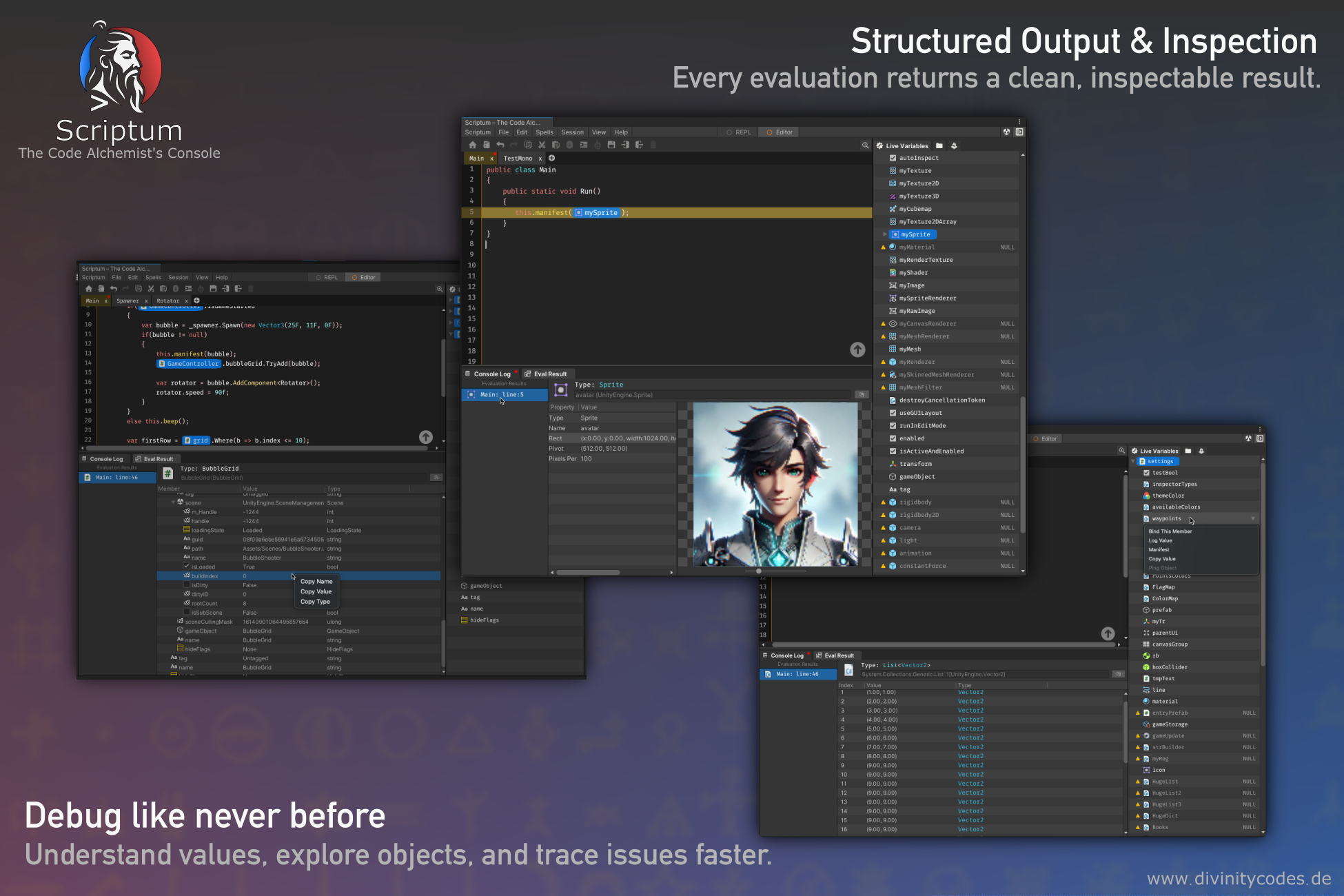
Eval Result is Scriptum’s advanced way to inspect values in Editor Mode, replacing the traditional Debug.Log() with something far more powerful, structured, and flexible.
Instead of dumping plain text to the console, Eval Result turns any object into a visual, inspectable structure with support for:
- Nested members and collections
- Graphical previews (e.g., Texture2D, Mesh, Sprite)
- Interactive Tree View UI
- Runtime links to Live Variables
No more walls of unreadable logs. Inspect your data like a dev alchemist.
What Is Eval Result?
Eval Result is a core feature of Editor Mode in Scriptum. It allows you to send any C# value to Scriptum’s rich inspector system via the built-in command:
It works on:- Primitive values (
int,bool,string, etc.) - Unity objects (GameObjects, Components, Textures, Materials…)
- Custom classes, structs, dictionaries, and arrays
- LINQ queries, evaluated results, and temporary expressions
Everything you send is turned into a presentable structure, displayed in Scriptum's custom Eval Result viewer.
Usage Examples
// Inspect a GameObject
manifest(GameObject.Find("Player"));

// Show current camera position
manifest(@camera.main.transform.position);

// Inspect custom class instance
var item = new InventoryItem("Sword", 3);
manifest(item);
Notes & Behaviors
- Eval Result is available in Editor Mode only
- The tree resets on script reload or after session restart
- Manifested objects are not serialized. It's a live reflection
- Performance is optimized with lazy loading and caching
💡
Debug.Logis noise.manifest()is clarity.
Inspect what matters, without losing your flow.